


Issue: Double-clicking a Block Opens the Block Editor
By default, double-clicking a block opens the Block Editor. But how can a user configure it so that double-clicking a block can open in-place editing instead?
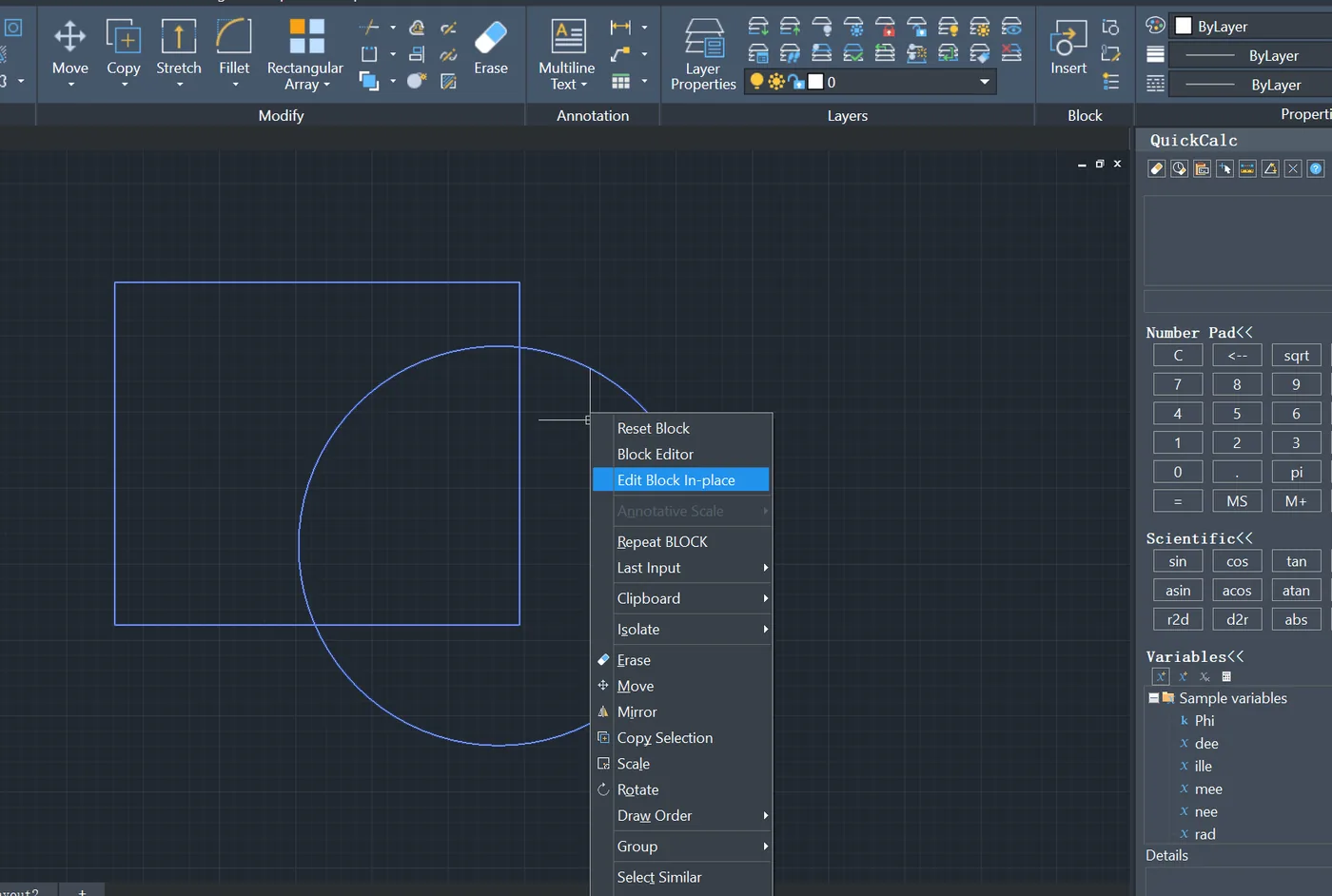
Cause: BLOCKEDITMODE Controls Double-click Behavior
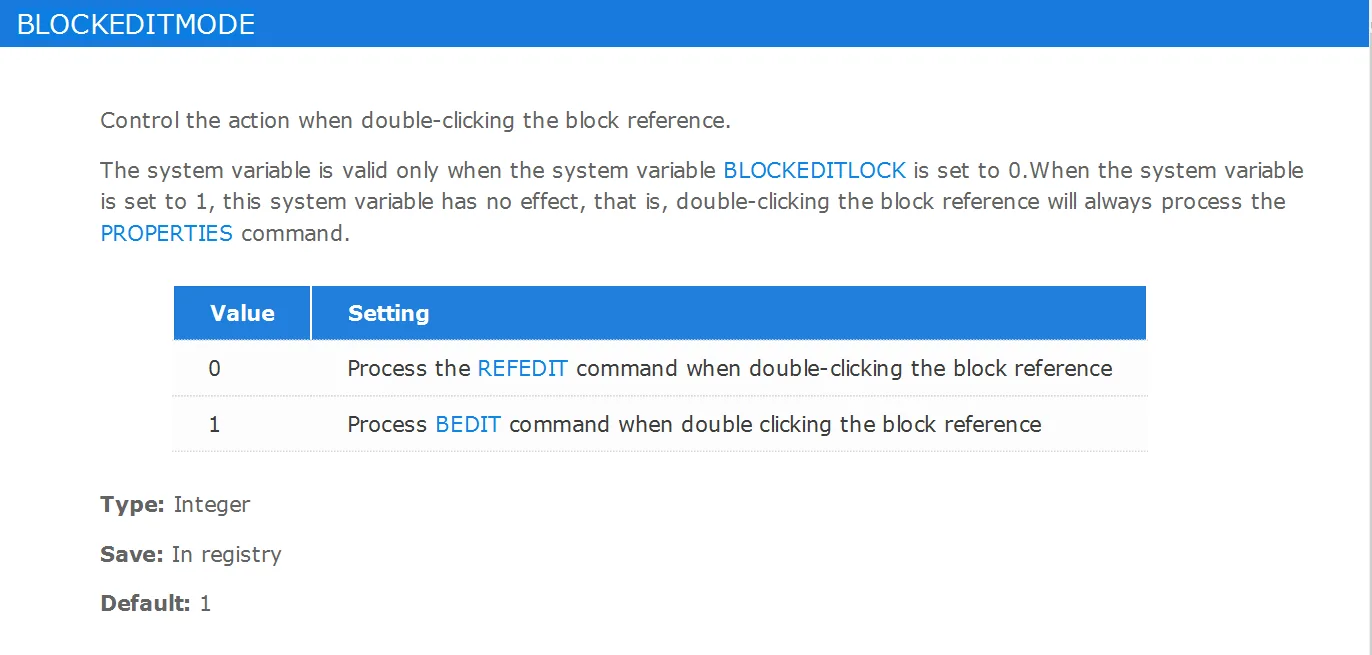
The default behavior is controlled by the system variable BLOCKEDITMODE, which is set to open the Block Editor when double-clicking a block.
How to Enable In-place Editing on Double-click
The system variable BLOCKEDITMODE controls whether double-clicking a block opens the Block Editor or starts in-place editing.
Setting its value to 0 enables in-place editing on double-click.
Summary
The BLOCKEDITMODE system variable determines what happens when you double-click a block. Setting it to 0 enables in-place editing, while setting it to 1 restores the default Block Editor behavior.
