


Issue
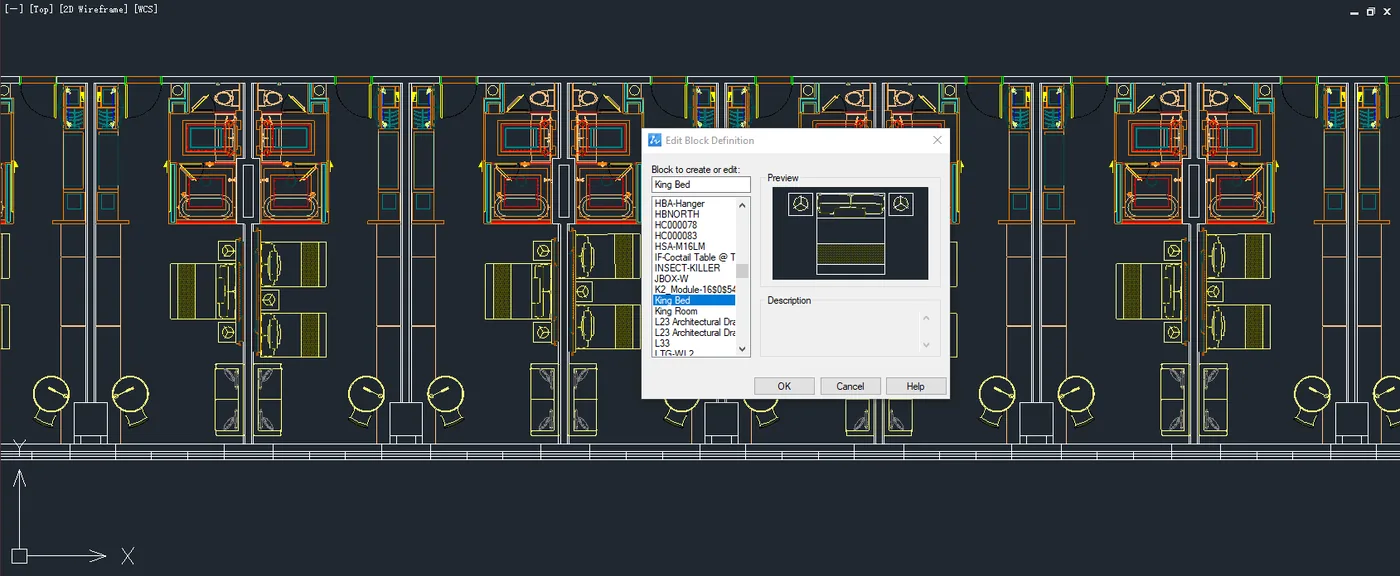
When double-clicking a nested block, the Block Editor dialog opens with the sub-block selected by default, leading directly into sub-block editing. How to configure it to edit the main block instead?
Cause
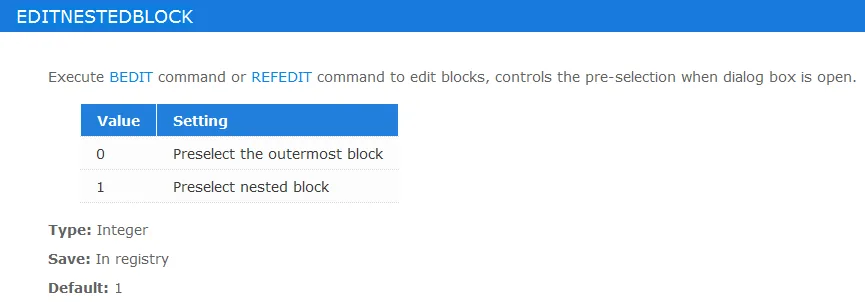
The system variable EDITNESTEDBLOCK determines whether ZWCAD enters the main block or the sub-block when editing a nested block.
How to Configure Main Block or In-Place Editing Choices
1. Enter the EDITNESTEDBLOCK command. Set the value to 0 to preselect the outermost block by default, or to 1 to preselect the nested block under the cursor.
2. Alternatively, select the block first, then choose Block Editor or Edit Block In-place from the right-click menu. This method always edits the main block by default.
Conclusion
Controlling whether a double-click targets the parent component or its sub-components depends entirely on your system settings. By configuring the EDITNESTEDBLOCK command to your preferred value or opting for the right-click menu options, you can bypass automatic sub-block selection and streamline how you modify nested block structures in ZWCAD.
